
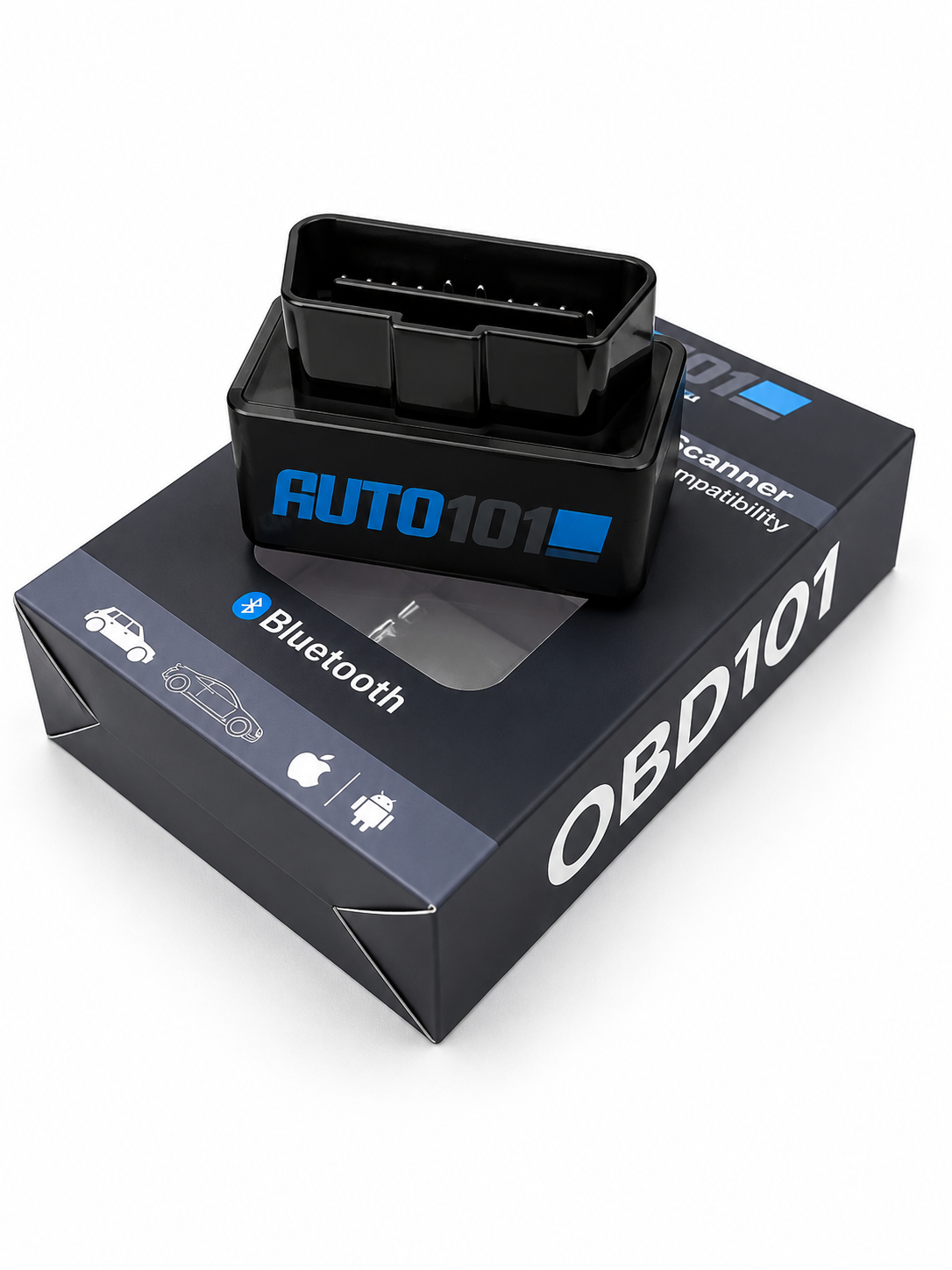
Auto 101
OBD101
$35.99
Shipping calculated at checkout
Ships from the USA
In-app live support
Works with Auto101 Pro
Key Features
Built for professionals
Reliable, fast, and pre-configured to deliver dealer-level diagnostics through the Auto101 Pro App.
Fast & Stable Bluetooth
Reliable wireless connectivity for seamless diagnostics — Bluetooth 4.0+ keeps the link rock-solid through long programming sessions.
Plug-and-Play Setup
Plug into any OBD2 port, open the app, pair once. No configuration files, no drivers, no fuss.
OBD2 Compatible
Works on every OBD2 vehicle from 1996 and newer — from daily drivers to fleet vehicles.
Compatibility
Phones & vehicles
Platform support
-
iOS — iPhone & iPad (iOS 14 or newer)
-
Android — phones & tablets (Android 9 or newer)
-
Bluetooth 4.0+ enabled device required
Vehicle coverage
-
All domestic gasoline vehicles with an OBD2 port
-
Chrysler · Dodge · Jeep · Ram — 2004 and newer
-
GM — full diagnostic + relearn coverage
-
Ford — full diagnostic + key programming coverage
Important — GMLAN BCMs: The standard OBD101 Interface alone does not talk GMLAN. For GMLAN BCM work (including SDM relearn), select OBD101 Interface + GMLAN Adapter in the product options above — or choose GMLAN Adapter Only if you already have the interface. When swapping a BCM on a GMLAN vehicle, you must still back up SDM data from the old BCM first before programming the new module. View GMLAN BCM List →
Important — GMLAN Adapter: The GMLAN Adapter is exclusively designed to work with the OBD101 Interface and the Auto101 Pro App. It is not compatible with other OBD2 adapters or scan tools.
In the box
What’s included
Auto101 OBD2 Interface (Bluetooth)
Full Auto101 Pro App access
Live remote help via in-app tickets
Get the app
Download Auto101 Pro
Free download. Pair once, then unlock GM, Ford, and Chrysler diagnostic + relearn workflows from your pocket.
Before you start
Requirements & notes
Requirements
-
Auto101 Pro App (iOS or Android)
-
Bluetooth-enabled smartphone or tablet
-
OBD2-compliant vehicle (1996+)
Good to know
-
Advanced relearns depend on vehicle support & system condition
-
SGW-protected vehicles (2018+) may need a gateway bypass
-
In-app help cards explain every tool before you run it